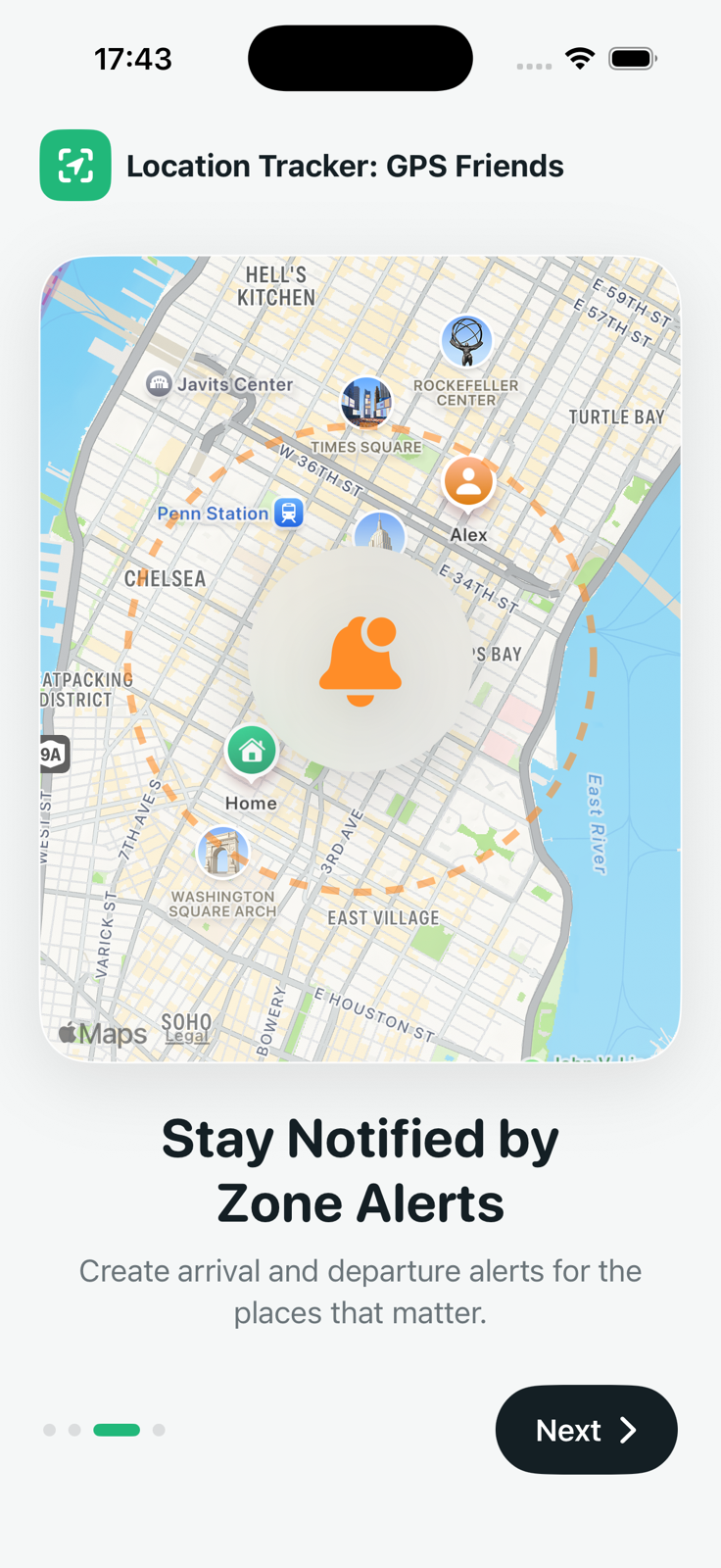
What is a location alert?
A location alert uses a virtual boundary around a real place. This is commonly called a geofence. When your iPhone detects that it crossed the boundary, the app can prepare an arrival or departure notification.
Location Tracker: GPS Friends lets you name the zone, choose a symbol, set its center and radius, and select the events you care about.
Useful ways to use place alerts
- Remember a task when you arrive at home or work.
- Get a departure reminder before leaving a regular location.
- Create a zone around a travel meeting point.
- Keep a visual boundary on the shared map.
How to create an alert
Open Alerts
Choose the Alerts tab from the main map dashboard and start a new alert.
Name the place
Choose a clear label and place the zone at the location you want to monitor.
Set radius and event
Adjust the boundary and enable arrival, departure, or both.
Allow notifications
iPhone needs notification permission to show the reminder.
Permissions and reliability
For alerts while the app is closed, iOS may require Always Location Access. iOS displays a system reminder when background location is in use. Location events can be delayed or missed because of permission changes, connectivity, battery state, or system limits.
Are alerts for your own phone or a friend?
The current alert zones are stored locally on your iPhone and monitored against your device location. Friends appear separately on the shared map when they consent to location sharing.